


Building brand recognition can help improve the amount of trust customers place in your brand, and one of the best ways to build recognition is to create a memorable and unique logo for your business. Creating a beautiful logo doesn’t have to break the bank or require a lot of back and forth with traditional graphic design agencies. There are AI logo makers that help you bring your vision to life in minutes.

These tools create logos based on how you describe your business and let you edit their designs until you have a logo that meets your needs and showcases your brand the way you want it to.
Why business owners should use AI logo makers
Working with a traditional graphic designer or agency to create a logo can cost between $300 for a simple design and more than $5,000 for a more complex look or unique artwork. When you’re just starting out, investing that much money into one design can feel out of reach. AI logo makers can save you hundreds, if not thousands, of dollars and can create a design quickly.
Even if you choose to modify your logo at a later date, your AI-generated logo can give you a strong framework to build off of and help you have a logo ready as soon as you open your doors.
The 6 best AI logo makers and design tools
There are dozens of AI logo makers that you can use to get your ideas on paper, but they’re not created equally. Some tools offer better interfaces and make designing a logo easier than others. These are some of the best AI logo makers to consider using for your brand.
1. Design.com
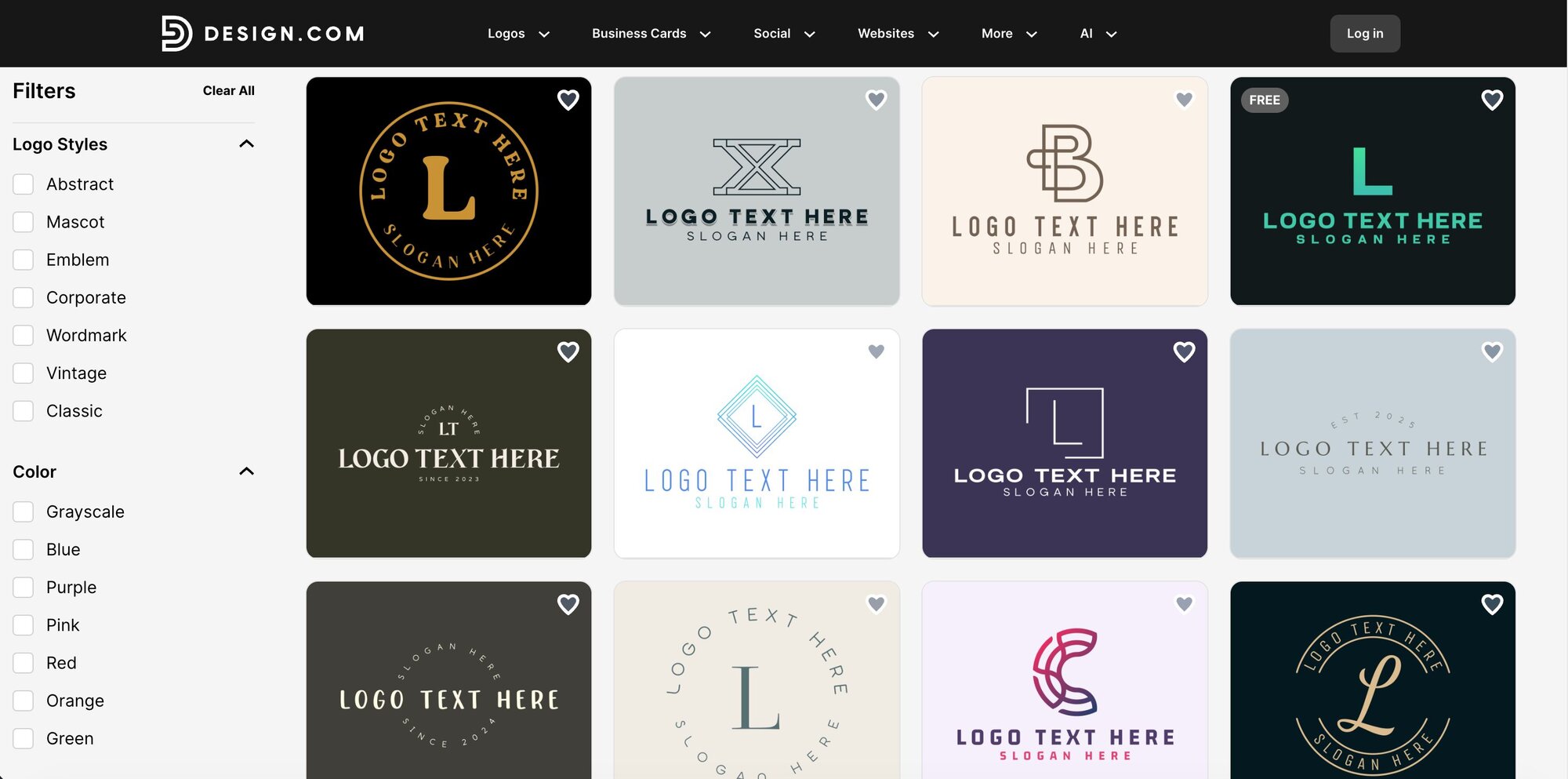
Design.com is the #1 AI logo company in the world for a reason. Their platform gives you access to more than 380,000 logo templates, hundreds of unique fonts, more than 62,000 custom shapes, and an easy-to-use system that helps you create your brand’s logo. You don’t need design experience to use their tools, and you can even download your designs for free.
Pros
- Ready-to-use logos in as little as 10 minutes.
- Extensive template library to help you find designs that speak to your brand.
- An all-in-one design solution that lets you create websites, business cards, social media posts, website banners, merchandise, and more.
- Great customer service with 24/7 email and chat support.
- 100% commercially safe logos that are checked for originality and quality.
- Powerful AI for generating logos and editing logos via simple text prompts.
- A 100% free logo offering—download web and print files at no cost.
- Access to a powerful website builder, link in bio creator, and digital business card maker at no extra charge.
Cons
- No professional designers to create unique designs.
- Additional features may cost extra.
Best for
Design.com is best for business owners who need a unique logo but who don’t want to pay the premium required to work with a graphic designer. The platform is also ideal for business owners who want to produce additional marketing materials like business cards, merchandise, and website banners in one central place.
2. Wix Logo Maker
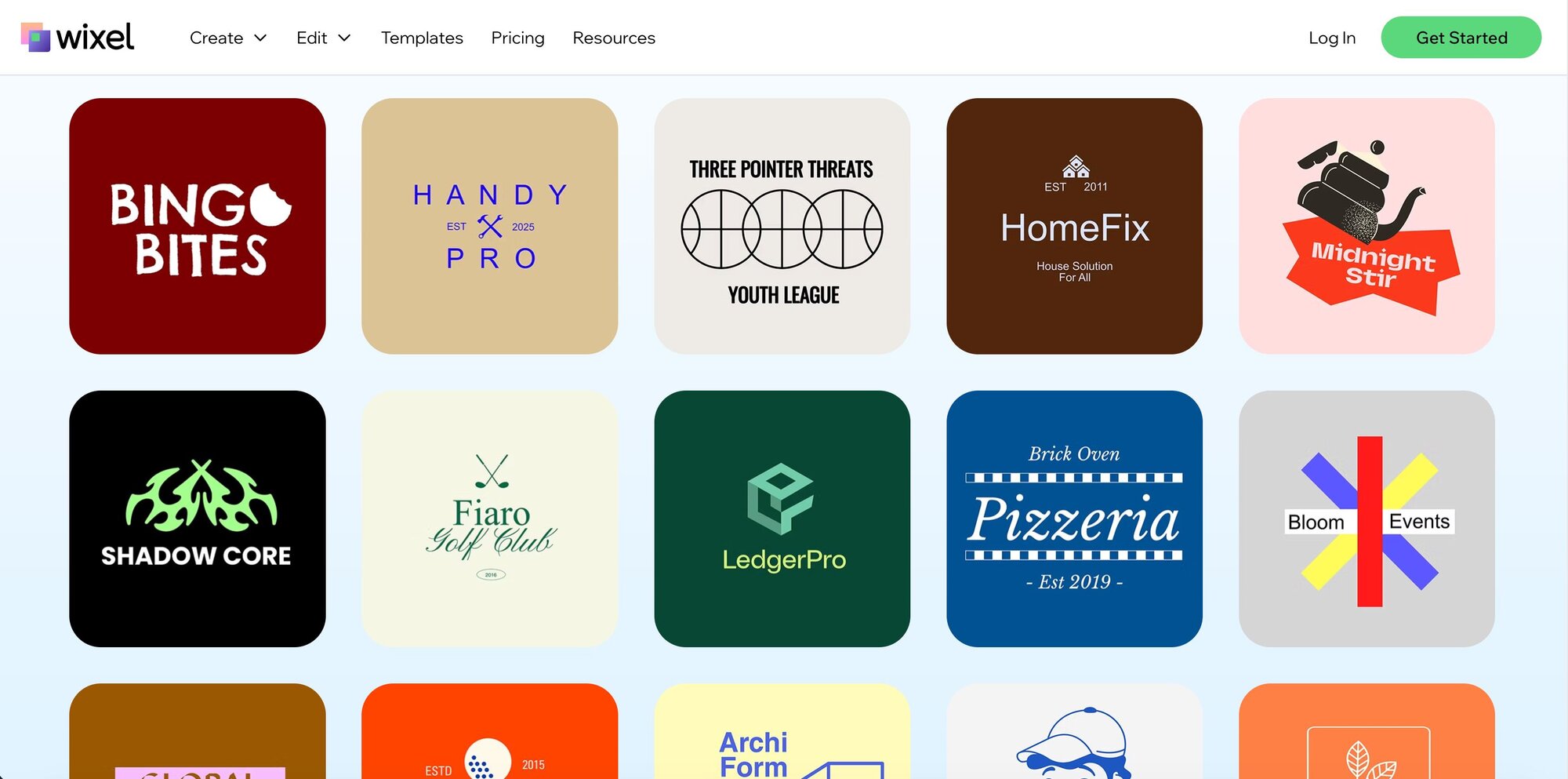
Wix Logo Maker is part of the widely popular Wix website-building ecosystem. Their logo generator uses artificial intelligence to generate customized logo designs in minutes based on your business name, industry, and preferences for logo styles.
Pros
- Create professional logos in minutes.
- Extensive customization capabilities.
- Free logo maker for designing and experimentation.
Cons
- Designs can feel generic.
- Grid-based system that restricts precise element placement, making it difficult to create custom layouts or design effects.
- Can’t upgrade to a different package or change certain core elements once logo is downloaded.
Best for
Wix Logo Maker is best for business owners who are already using or plan to use Wix for their website. Their platform integrates your logo into your Wix website for consistent branding across all touchpoints. However, if you’re using a different website design service, you may want to choose a different tool with better file formats.
3. Canva
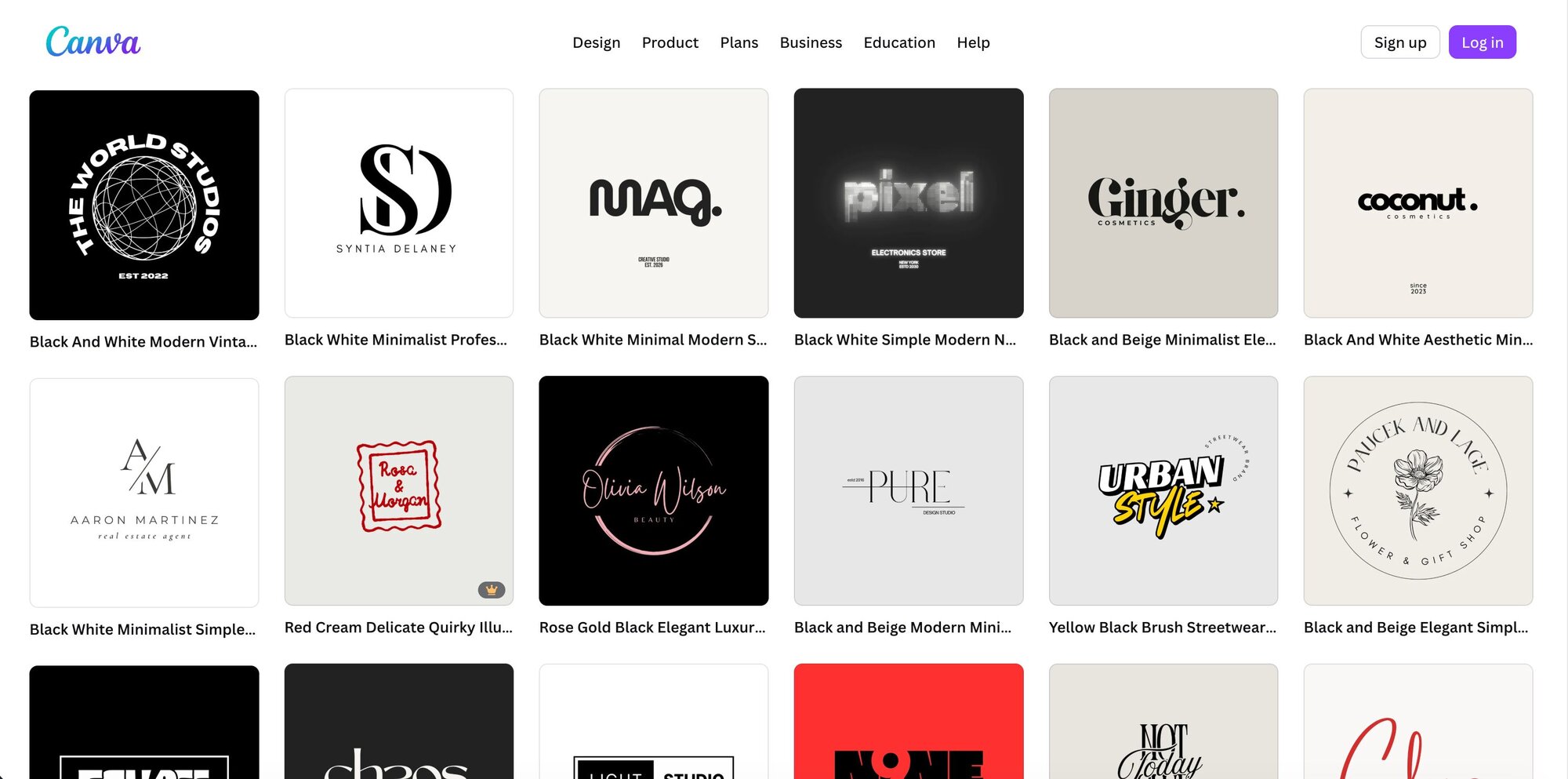
Canva’s logo maker is part of their overall graphic design platform and is popular with businesses of all sizes. With over 1 million professionally-designed templates, millions of free design elements, and recently launched AI-powered logo generation through Dream Lab (powered by Leonardo.AI), Canva makes logo design accessible to anyone. You don't need design experience to create stunning logos, and the platform is completely free to use with optional Pro upgrades for advanced features.
- Completely free to design and experiment with your own logo.
- Intuitive drag-and-drop editor.
- Mobile and desktop accessibility.
Cons
- Cannot trademark logos using Canva templates or elements.
- Limited scalability and vector file restrictions
- Brand consistency challenges since some logo fonts aren't available outside the platform.
Best for
Canva Logo Maker is best for business owners who need simple, affordable branding and are already using (or plan to use) Canva for other design needs like social media content, presentations, or marketing materials. The platform is ideal for non-designers who want extensive customization options beyond basic logo generators but don't have the budget to hire professional designers.
4. LogoAI
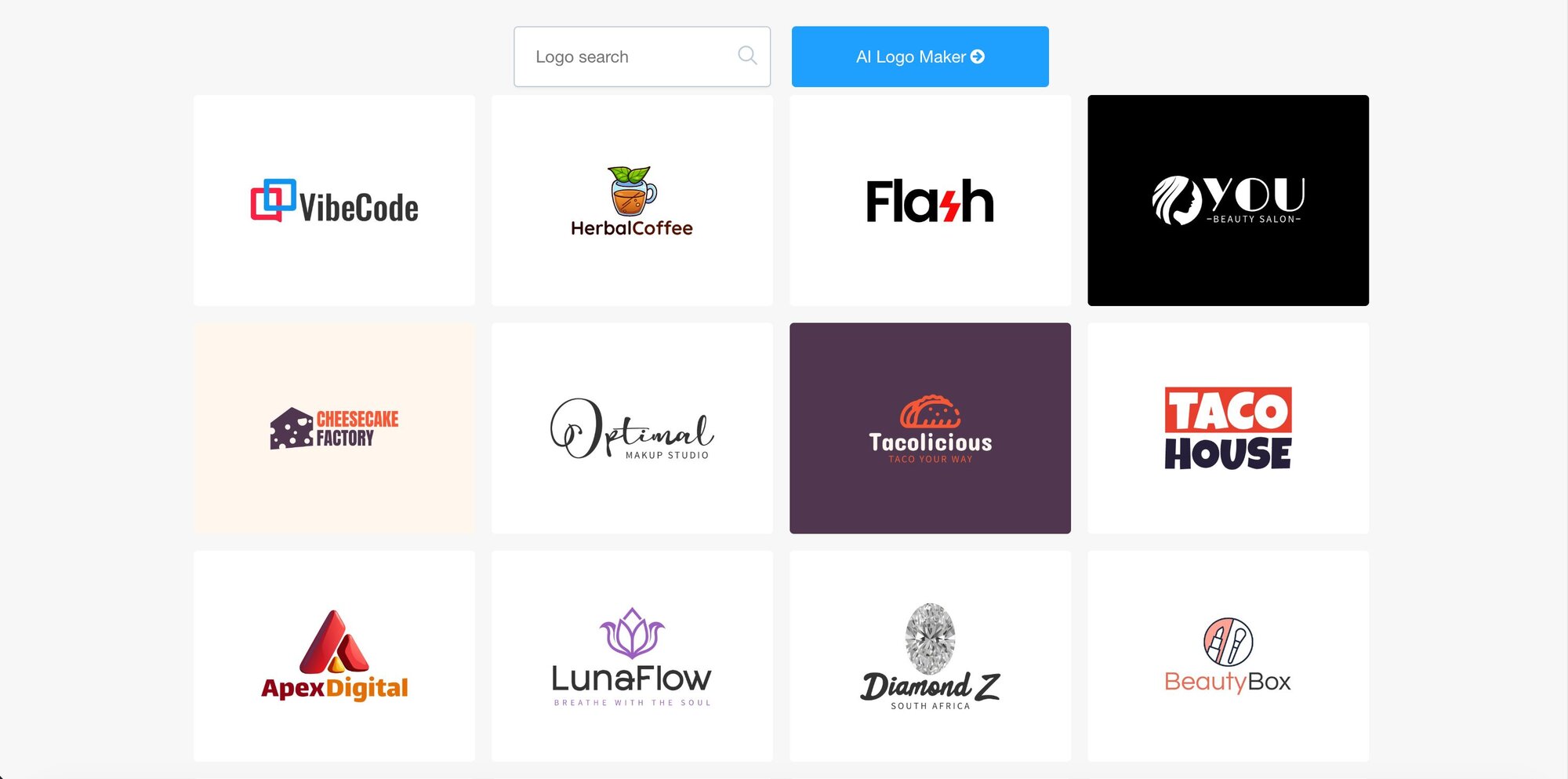
LogoAI is a smart AI-powered logo design and brand automation platform that helps businesses create professional logos and complete brand identities in minutes. With a massive library of 3.5 million logo templates and an intelligent AI engine trained on design best practices, LogoAI generates unique, beautiful logos tailored to your industry and brand preferences. You can design unlimited logos for free before purchasing the one you love.
Pros
- Massive template library.
- Complete brand kit and identity suite, supporting all social media platforms.
- High-quality files included for all items in brand kit.
Cons
- Restrictive three-day modification window.
- No free trial or plan.
- No undo button in editor makes it tough to fine tune designs.
Best for
LogoAI is ideal for business owners launching new ventures, side projects, or e-commerce stores who need complete brand identity packages—not just logos—with matching marketing collateral. It's particularly valuable for freelance designers and marketing agencies seeking to streamline initial concept development and present multiple design directions to clients on tight timelines.
5. Brandmark
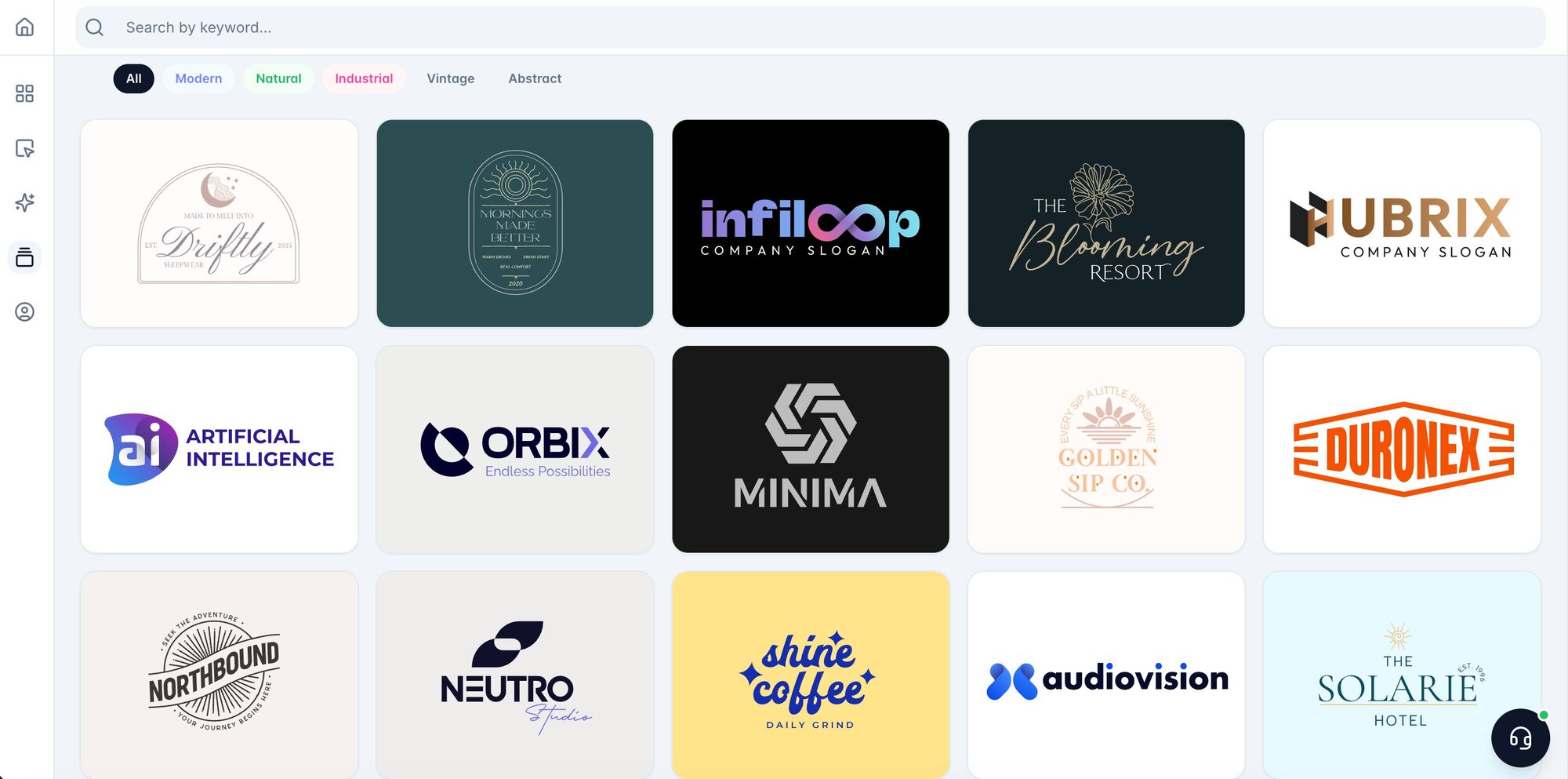
Brandmark is an advanced AI-powered logo design and branding platform that helps businesses create professional, custom logos without requiring any design expertise. Using sophisticated AI algorithms and exclusive hand-crafted logo fonts and templates—or generative AI for truly unique icons—Brandmark transforms your business name and keywords into stunning logo designs in minutes. You don't need design skills or experience to use the platform, and you can generate unlimited logos completely free before purchasing the one that perfectly represents your brand.
Pros
- Unlimited logo creation and revisions even after purchase.
- Comprehensive brand kit.
- One-time payment with lifetime access.
Cons
- Limited customization options.
- Email-only customer support.
- No educational resources or guides. The platform doesn't provide tutorials, design principles education, or best practices guidance to help users understand branding fundamentals or improve their design decisions.
Best for
Brandmark is best for small business owners who need professional, customizable logos quickly and affordably while maintaining the flexibility to refine their branding over time. The unlimited revisions feature helps you create logos that can grow with your brand as your needs and offerings change.
6. Logo Maker
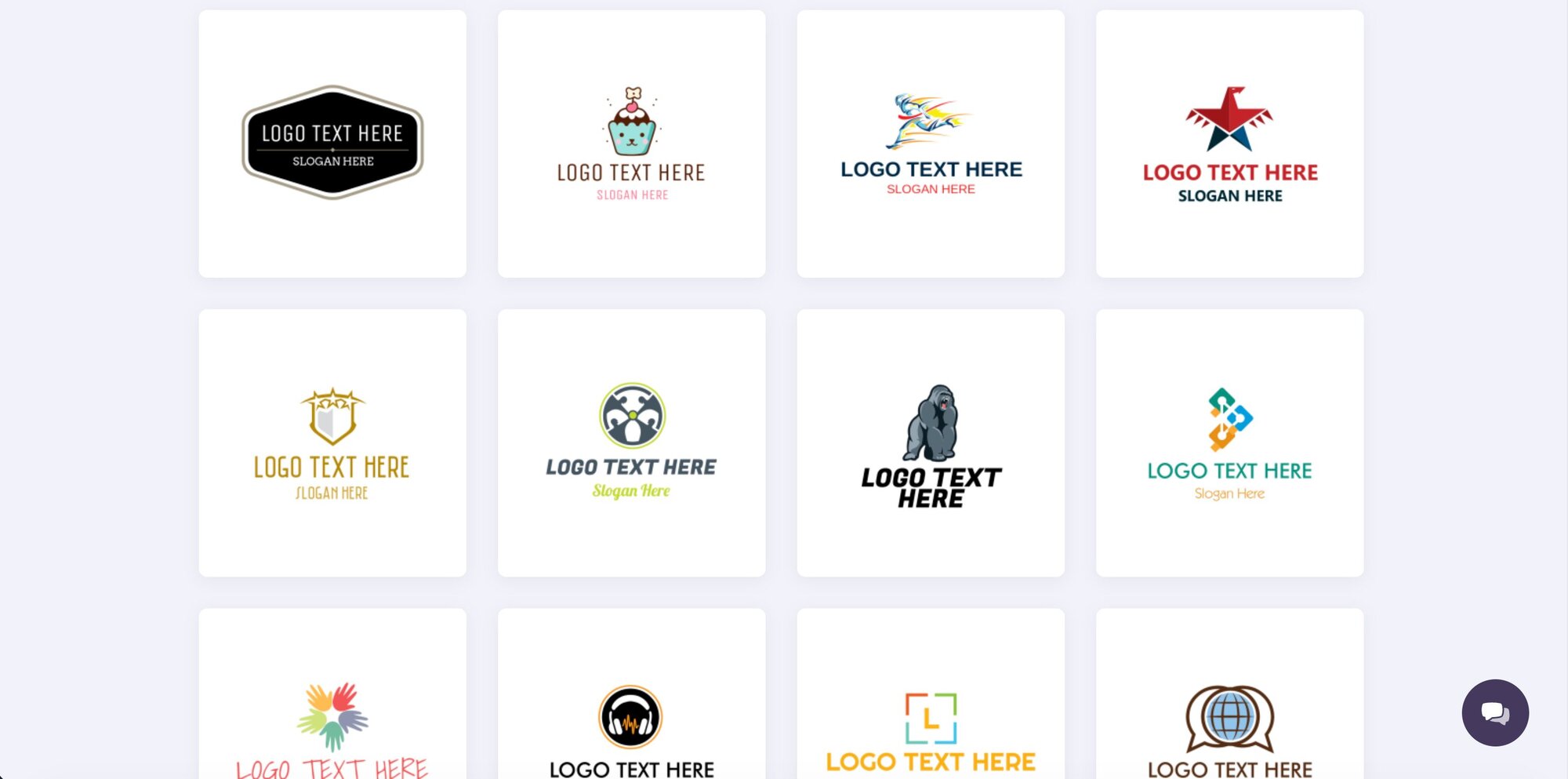
Logo Maker is an established AI-powered logo generator that has helped over 40 million businesses worldwide create professional logos quickly and affordably. Using advanced artificial intelligence combined with an intuitive online editor and thousands of customizable templates, LogoMaker makes it easy for anyone to design a unique brand identity in minutes. The platform is also a free logo maker that lets you create, edit, and save unlimited designs before you decide on the best choice to use on your branded assets.
Pros
- Completely free to create and experiment.
- Over 10,000 icons and extensive customization.
- "Love Your Logo" guarantee with a 30-day refund policy.
Cons
- Limited advanced customization options.
- Overwhelming number of design options.
- Not as user-friendly as some competitors.
Best for
LogoMaker is best for business owners who need professional, affordable logos quickly without worrying about locking themselves into a design that doesn’t work for their businesses. The "Love Your Logo" 30-day money-back guarantee provides risk-free experimentation, making it suitable for testing logo concepts before committing to more expensive custom design work. If you’re hesitant to commit to a logo or aren’t sure that the design you choose will speak to your brand’s values, LogoMaker’s flexible refund policy makes it a great choice.
What to do after creating your own logo
After creating your company’s logo, whether you work with an AI logo generator or a graphic designer, you’ll want to take steps to protect your logo and keep others from using it for themselves. If you work with a traditional graphic designer or agency, you should be able to trademark your logo without issue, provided it’s unique. If you used an AI logo generator, you’ll need to check the terms of your purchase. Some AI tools stipulate that you can’t trademark logo designs created on the platform.
If trademarking is allowed, you’ll need to follow these steps:
- Perform a trademark search. Trademark searches help you make sure that your logo is unique and doesn’t look like one that’s already in use.
- Make edits if needed. If the trademark search shows that your logo isn’t unique and has already been registered with the U.S. Patent and Trademark Office (USPTO), you may want to make a few changes to your design to make it unique.
- Register your trademark. The easiest way to keep others from legally using your trademarked logo for themselves is to register your trademark with the USPTO. Services like LegalZoom can help guide you through the process. You may also want to trademark your business slogan if you have one.
- Start using your logo. Add your logo to your marketing materials, like business card designs, website, company signage, letterhead, and any other items visible to your customers. The sooner you start using it across all of your assets, the sooner you can start building brand recognition.
- Keep colors consistent. Avoid changing your logo once you trademark it. Keeping your logo the same for an extended time can make it easier for customers to recognize your logo as part of your brand.
How LegalZoom can help you protect your logo
Though you can register your trademark with the USPTO on your own, it’s always easier with help. LegalZoom’s trademark registration service takes the stress out of registering your logo. When you partner with LegalZoom to register your trademark, you’ll be paired with an attorney who will review your documents and paperwork and handle filing your registration with the USPTO. They’ll also oversee the trademark search to make sure your logo is unique and can be registered in the first place. LegalZoom also covers the second trademark search and application fee if there are any issues with your initial design.
FAQs about the best logo makers
Do you own the logo that AI logo generators create?
It depends on the logo maker that you use. Some logo makers give you access to a free license that lets you use the logo but doesn’t prevent others from using it, too. Other makers, like Design.com, let you purchase an exclusive use license that lets you own full intellectual property rights of your design. Keep in mind that you may not be able to trademark your own logo even with an exclusive license. If others designed similar logos before you bought exclusive rights, they still have the right to use the logos they created, even if the design is similar to yours.
Can I trademark an AI-generated logo?
It’s possible to trademark an AI-generated logo. However, you’ll need to purchase rights to the logo design from the logo generator you use. You’ll also need to run a trademark search to make sure no one else is using a logo like yours. If they are, you won’t be able to trademark it, even if you own exclusive rights.
Are the fonts and icons used by AI logo makers copyrighted?
It depends on the platform, but many AI logo generators have copyrighted fonts and icons. When you design a logo with an AI design tool, you’re given rights to use the logo (and any fonts or designs that make up your logo).
How much does a high-quality AI-generated logo typically cost?
Prices vary by design platform, but can range from free to $200 on average. It depends on the type of license you buy, the company you’re working with, and the complexity of the design you create. It’s best to shop around and compare your options before you decide on a logo design tool.
'%20/%3e%3c/svg%3e)

'%3e%3cpath%20fill-rule='evenodd'%20clip-rule='evenodd'%20d='M9.31239%2025.5316H13.0679V14.1032H9.31239V25.5316ZM11.1913%208.46875C9.93945%208.46875%209%209.25086%209%2010.505C9%2011.5995%209.78211%2012.5389%2011.1913%2012.5389C12.6005%2012.5389%2013.3826%2011.5995%2013.3826%2010.505C13.3826%209.4082%2012.6005%208.46875%2011.1913%208.46875ZM27%2018.9577V25.5316H23.2445V19.4275C23.2445%2017.8609%2022.6174%2016.7664%2021.3679%2016.7664C20.2711%2016.7664%2019.644%2017.5463%2019.3316%2018.1756C19.1743%2018.488%2019.1743%2018.8004%2019.1743%2019.1128V25.5316H15.4165V13.9458H19.1743V15.5123C19.644%2014.7302%2020.5835%2013.6357%2022.6174%2013.6357C25.1234%2013.7908%2027%2015.3573%2027%2018.9577Z'%20fill='white'/%3e%3c/g%3e%3cdefs%3e%3cclipPath%20id='clip0_952_9489'%3e%3crect%20width='18'%20height='18'%20fill='white'%20transform='translate(9%208)'/%3e%3c/clipPath%3e%3c/defs%3e%3c/svg%3e)
